
Update your service coverage in your Provider Profile.
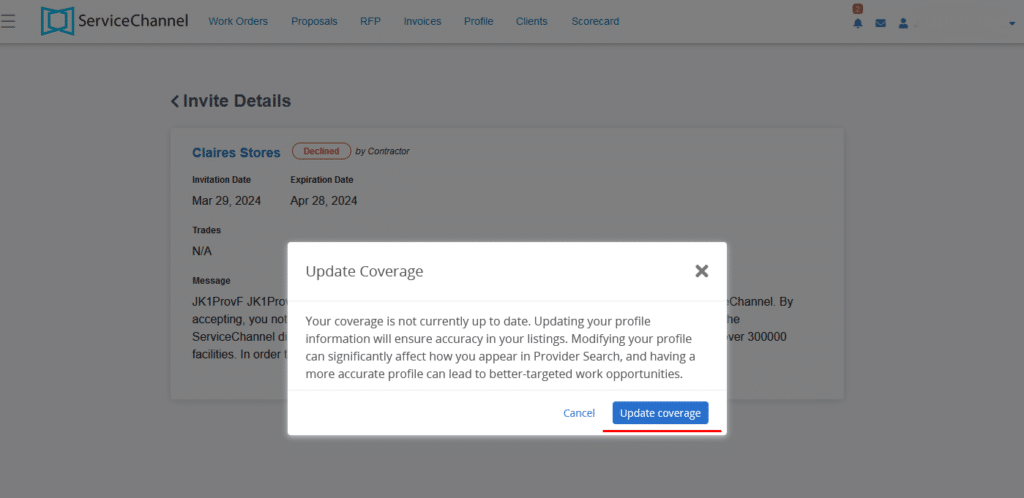
How to update your service coverage
A mismatch between a customer's needs and your stated coverage area can cause you to miss work orders or receive ones you can't fulfill.
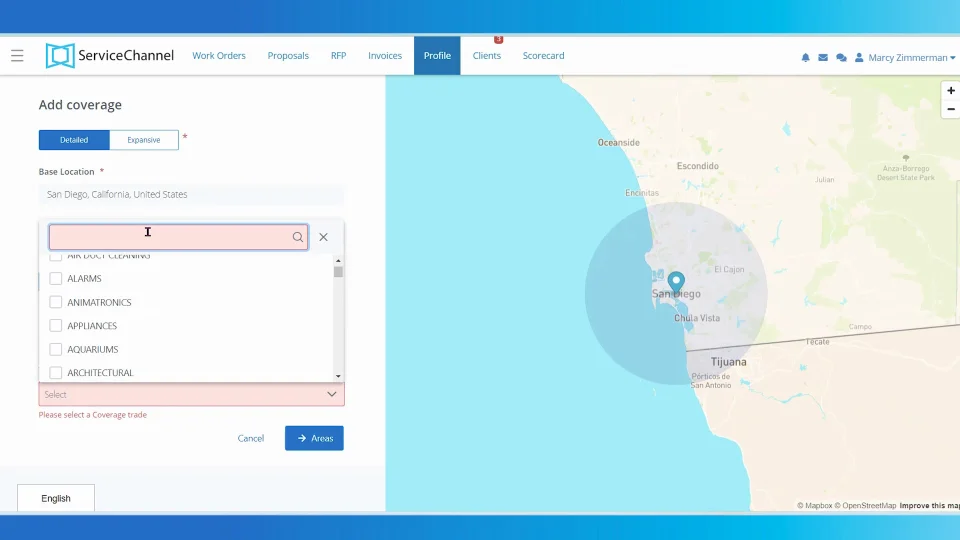



Whether or not you see this prompt, make it a practice to review your Provider Profile regularly to make sure all the key information is included and up to date, especially as your business expands. Make sure your profile reflects that expansion so your potential new customers can find you.
Read detailed instructions or watch this 2-minute video to learn how to update your service coverage.
Taking these steps now will help ensure you receive the right work orders for your business.