
Manage work orders with ease
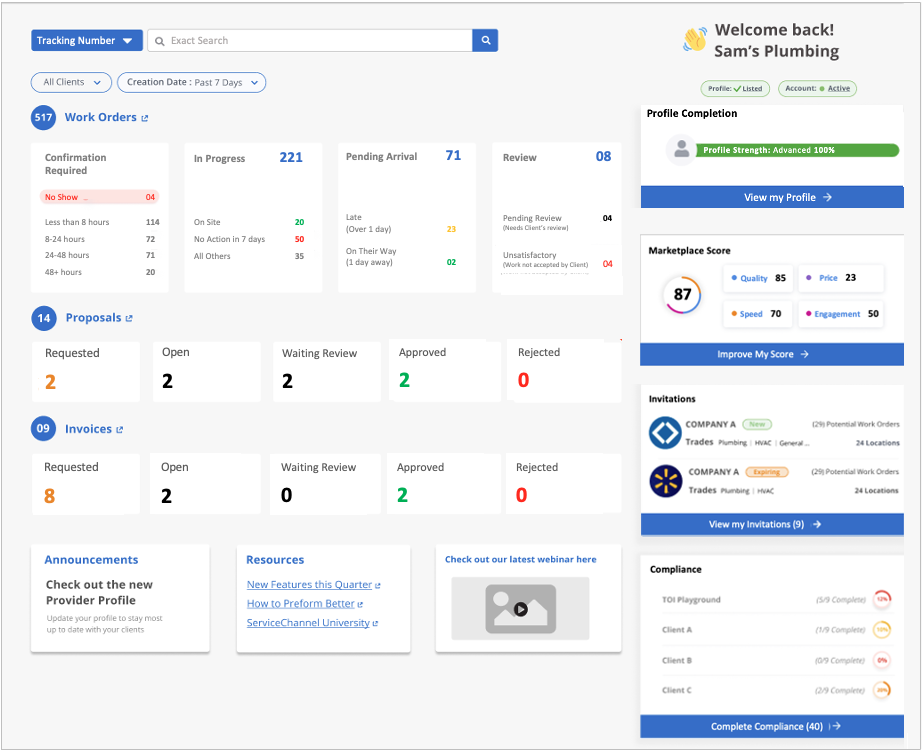
Your new home page gives you the transparency and insight you need to focus your work day, boost your efficiency, make your customers happy, and get paid faster.
- See at a glance the status of all work orders, proposals and invoices. See all, or filter by client or creation date.
- Easily spot situations that need your immediate attention like no shows, late arrivals, or work orders with no action in the past week.
Optimize for growth
Take advantage of the unique opportunity ServiceChannel provides to win new business.
Monitor your performance scores. Take action to improve your scores and get discovered by new customers using ServiceChannel
- Easily see and track invitations from new customers so you can be sure to respond before they expire.
- Track your progress toward compliance with client requirements to streamline onboarding and build trust with your customers.
Get detailed guidance in
ServiceChannel University
Download this


guide
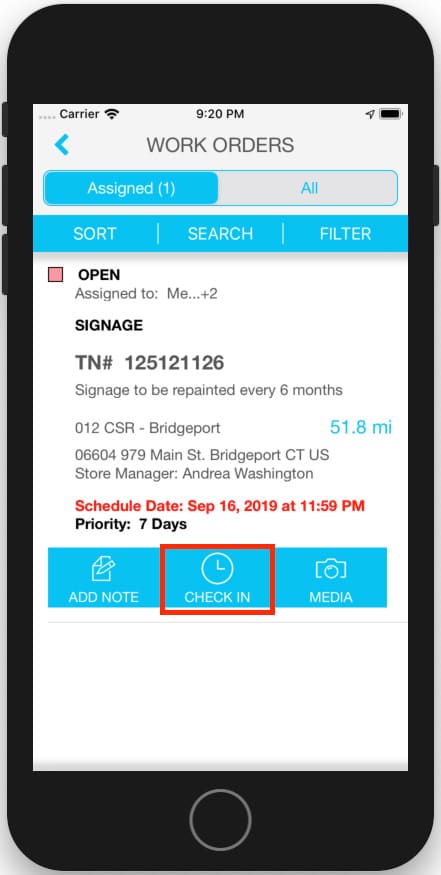
to using the correct work order status.
Watch this
video
on creating a great profile.