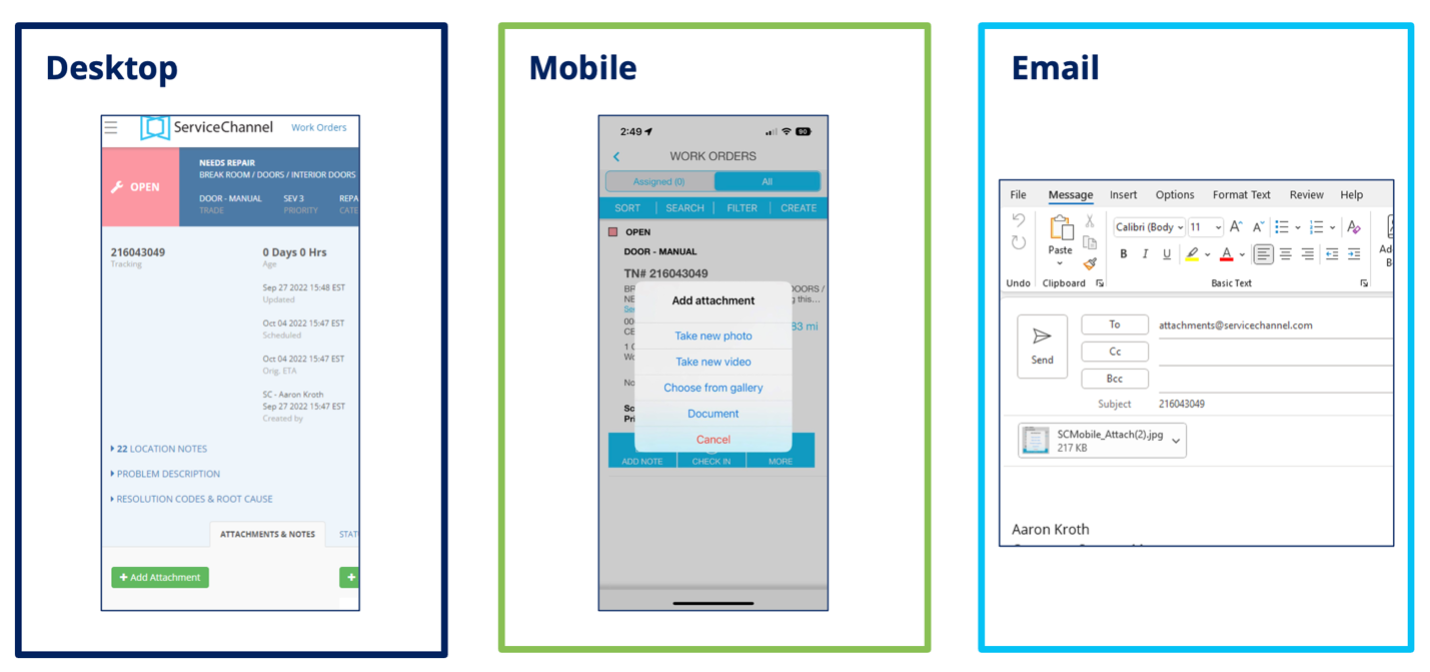
Work Order Status Guide
In Progress:
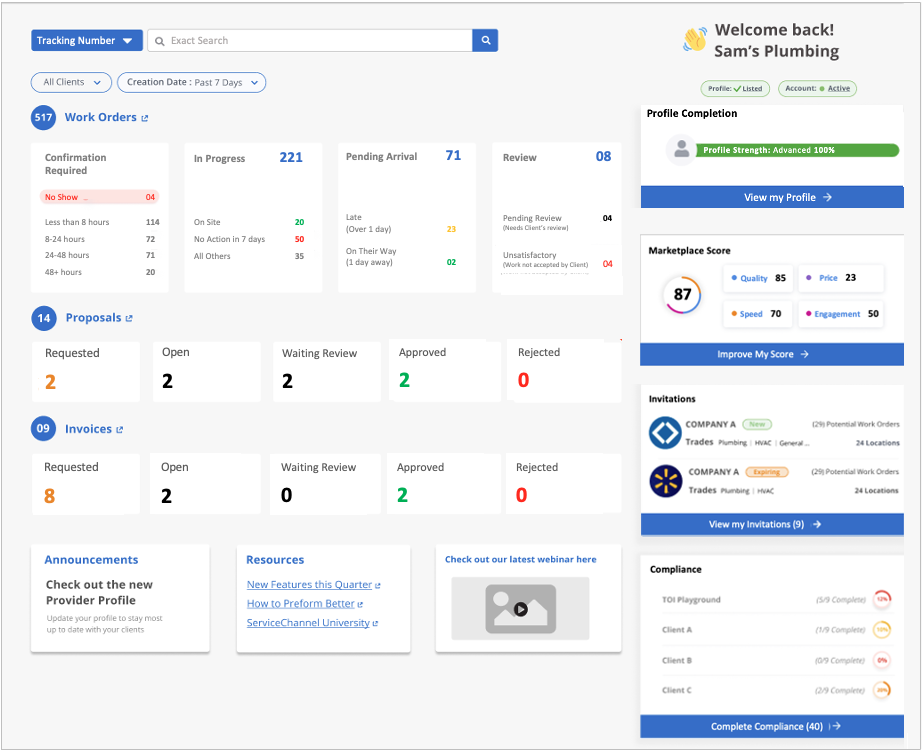
Work order accepted; provider actively working. __ In Progress/Dispatch Confirmed:
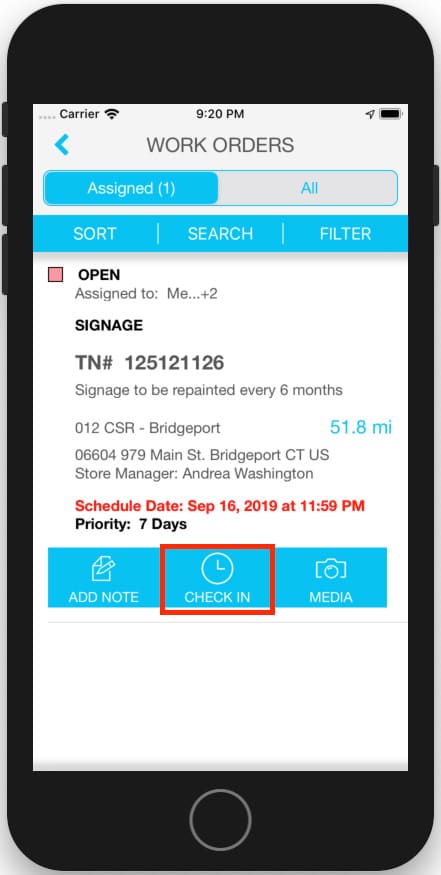
Open work order accepted. __ In Progress/On Site: Provider arrived at location. __ In Progress/Parts On Order: Parts are needed to complete the job. __ In Progress/Incomplete:
Job needs further follow-up. (Note this status should be used only when checking out temporarily, e.g. for lunch, coming back the next day to complete the work). __ In Progress/Waiting for Quote: A price quote needs to be submitted for additional parts or labor. __ In Progress/Waiting for Approval:
Proposal for additional resources submitted; not yet approved. __ In Progress/Proposal Approved: Proposal approved by facilities manager. __ In Progress/Unsatisfactory:
Job completed but location user or facility manager deemed the work not acceptable.
Completed:
Provider completed the work; can generate an invoice. __ Completed/Confirmed:

Equivalent to Completed status; provider had completed the work order and generate an invoice. __ Completed/Pending Confirmation:
The provider has completed the work, but a location user or facility manager must provide satisfactory feedback on services before the work order is Completed/Confirmed. (This status appears only if configured by the client.) __ Completed/Cancelled: Work order withdrawn; no further services needed. __ Completed/No Charge: Work order completed; no service fees incurred
Invoiced:
Provider has submitted the invoice for payment.
Download now