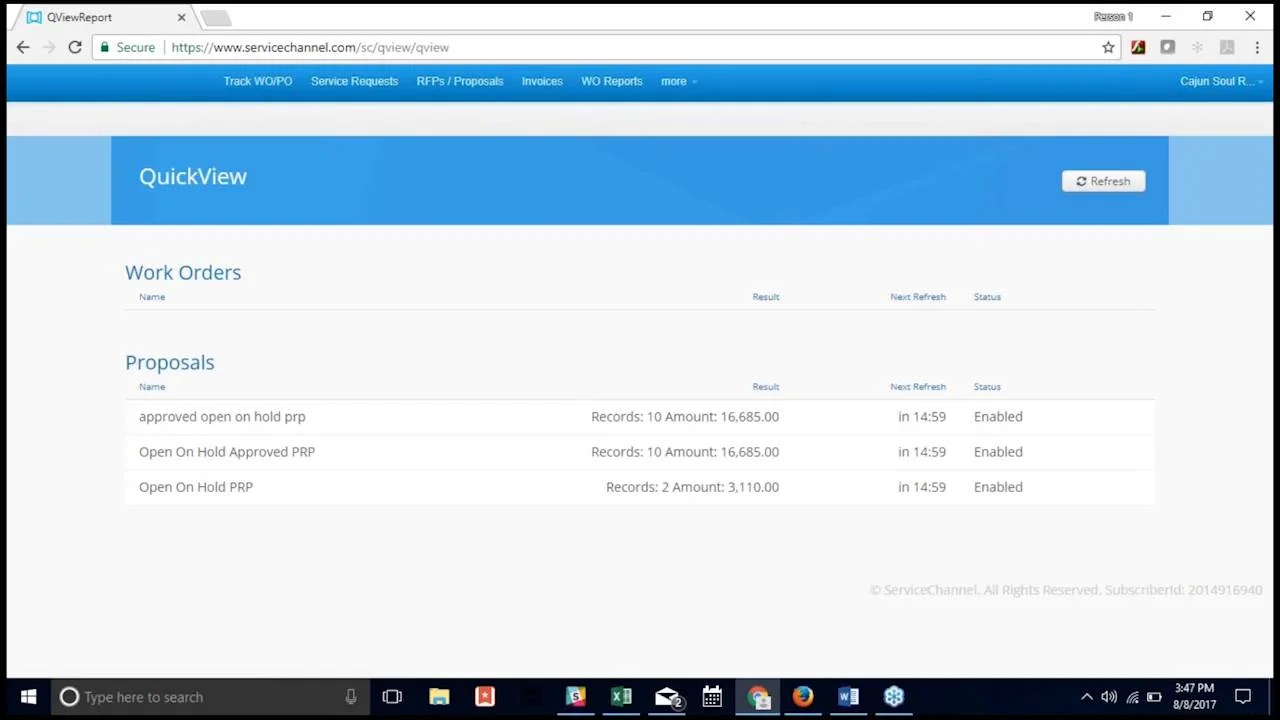
In this class you will learn how to create RFPs (requests for proposal), take action on Proposals, and save proposal reports on QuickView.
By the end of this session participants will learn how to:
- create RFP and send to approved vendors
- search for and view proposals, including received proposals from RFPs
- take action on proposals (approve, reject, or place on hold), including key decisions within Proposal Action screen
- create QuickView report for Proposals
Learn more in ServiceChannel University:
About this Course
Course Code: SA0306
Product:
Service Automation Corporate (Essentials Package)
Offering Type:
Pre-recorded Webinar

Duration:
approx. 44 min
Skill Level:
Intermediate
Target Audience:
Facility Managers, Regional Managers & District Managers