Dashboard 101: How to Use the Service Request Dashboard

Learning Archives ServiceChannel 2022-09-01
Video Thumbnail

For Beginning ServiceChannel and GPS Location Users.

In this class you will learn the basic usage of the ServiceChannel Location Portal / Dashboard

By the end of this session participants will learn how to:

  • view the summary calendar for upcoming provider visits
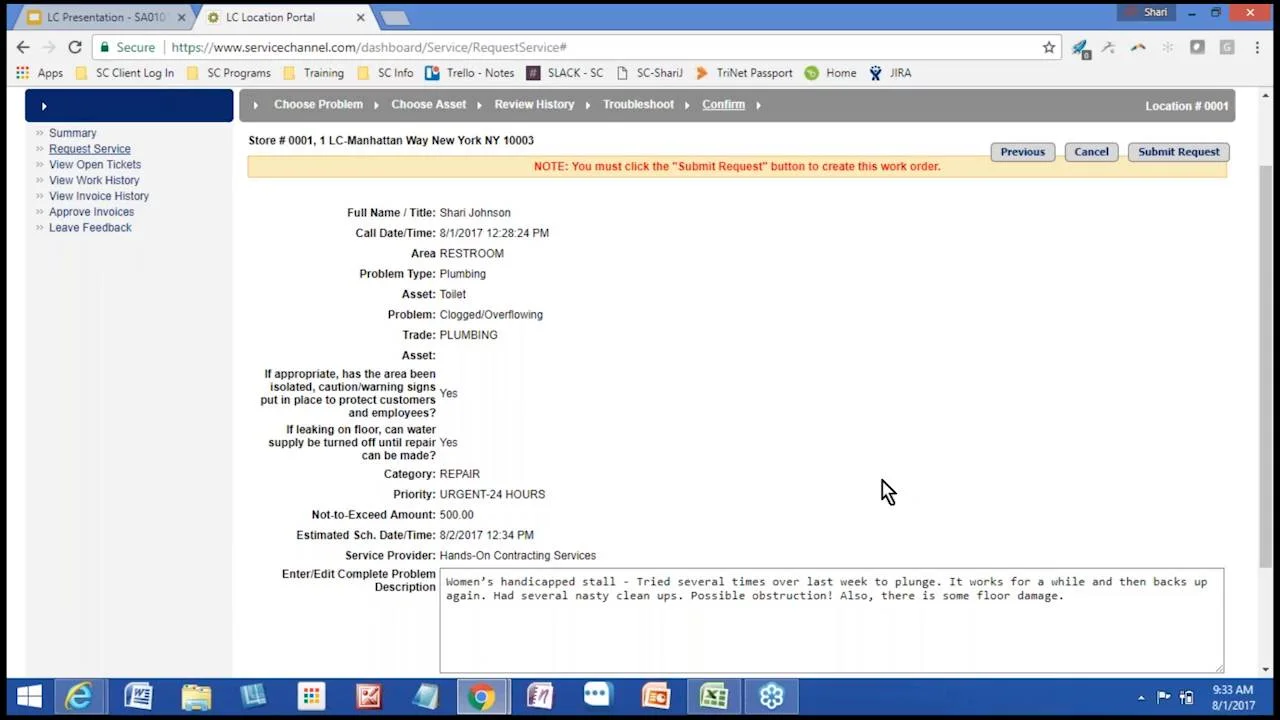
  • create a Work Order
  • recognize the life cycle of the work order
  • view work orders in the Open, In Progress statuses, as well as historical work orders
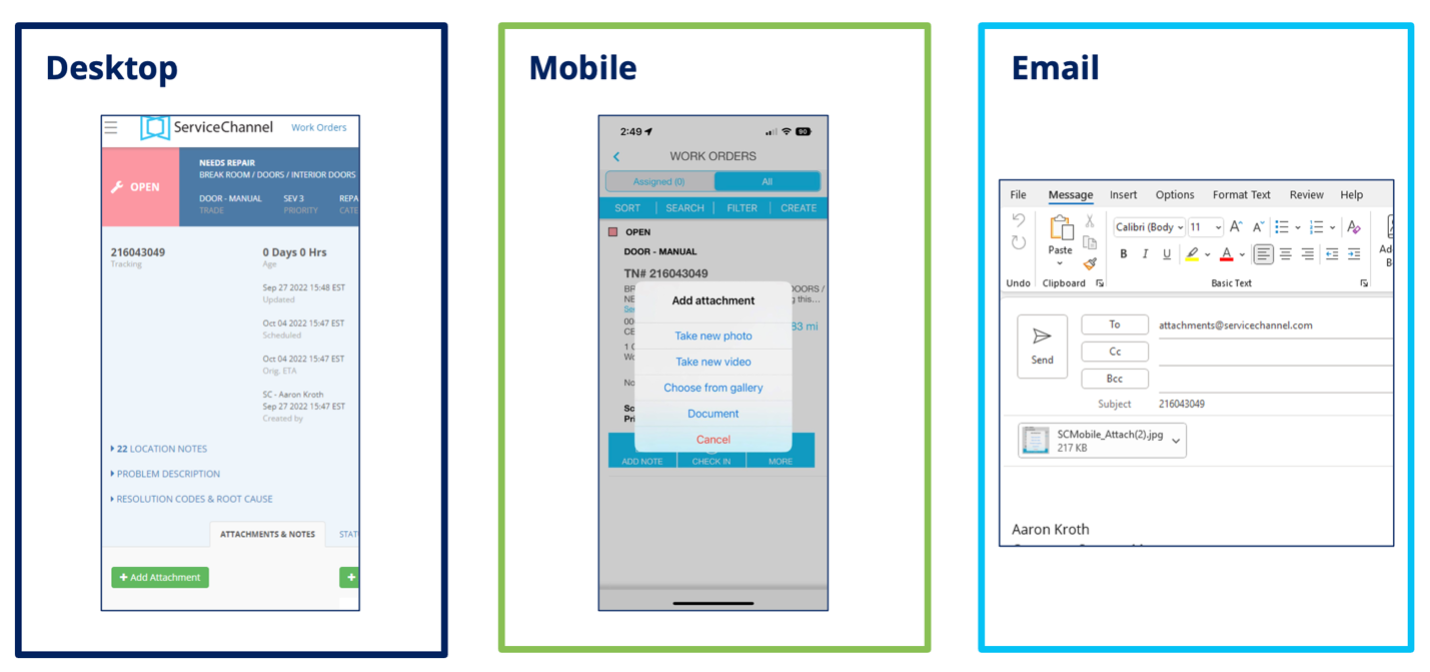
  • add notes to work orders
  • provide feedback on service providers' performance

Learn More in ServiceChannel University: Dashboard Guide

About this Course

Course Code: SA0101
Woman signing construction contract with contractor to build a house Portrait of cheerful young manager handshake with new employee.

Product: Service Automation Dashboard

Offering Type: Pre-recorded Webinar

Duration: approx. 60 min

Skill Level: Beginner

Target Audience: Location Users, Regional Managers, and Facility Managers
Share
Categories Learning Archives

Related articles

A Day in the Life of a Facility Manager: Work Order Creation and Management

A Day in the Life of a Facility Manager: Work Order Creation and Management. For Beginning and Intermediate users — Facilities, Regional, and District Managers.

AI work order anomaly detection

ServiceChannel has added scores to help highlight your team's great service. Click here to learn more and get started.

Let’s talk

Tell us about your challenges and we'll help you craft the right solution so you can you hit your goals.